

Apps for your ride and your desk.

From Google Maps on your speedometer to a spare phone that runs your desk, SDMV builds small, focused apps that each do one job well.

Seven apps. One maker.

Five for the motorcycle, one for the desk and one for developers. Pick one to see what it does.

SDMV DashConnect app icon

SDMV DashConnect

Never look down at your map again.

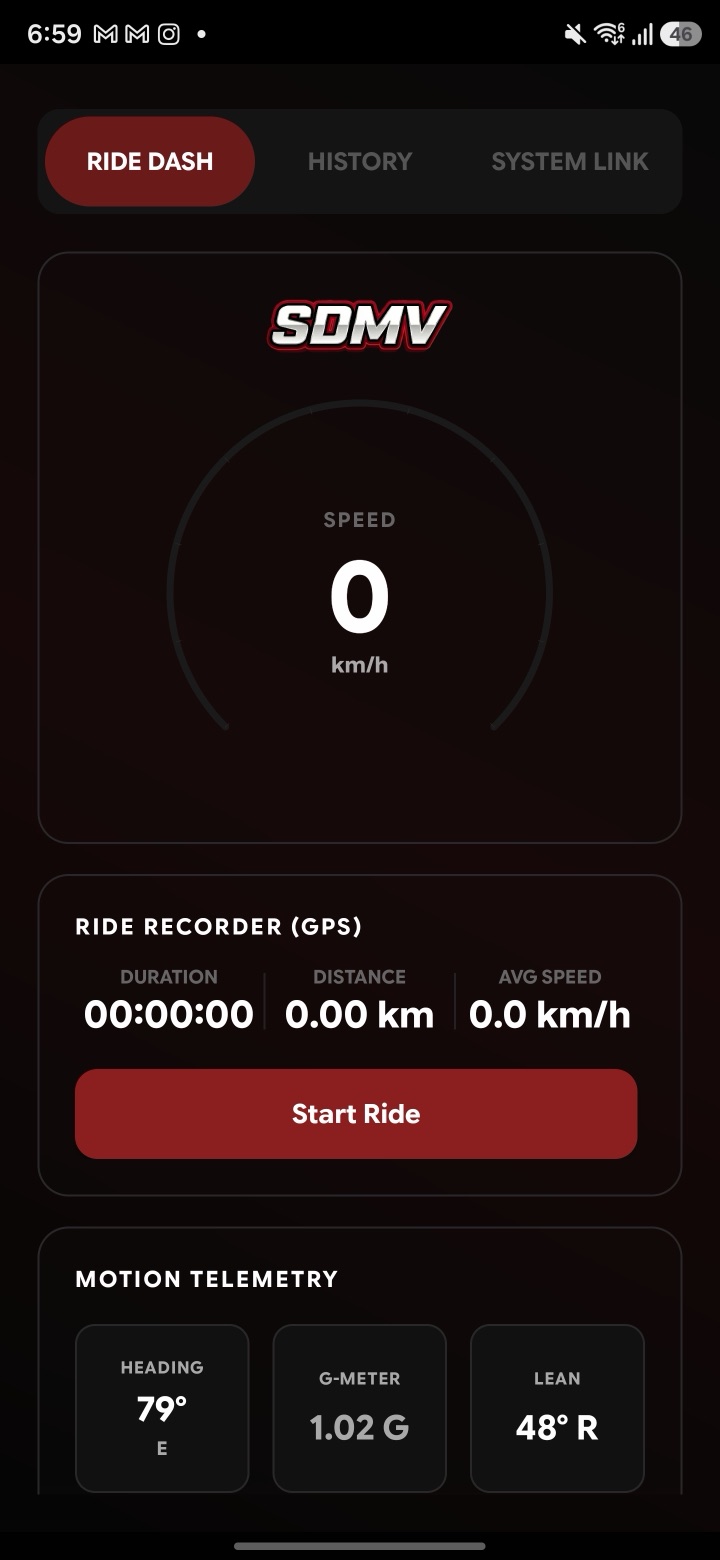
DashConnect reads your Google Maps directions in real time and shows each turn on your motorcycle's physical instrument cluster, alongside a floating HUD and a GPS ride recorder.

Android. 10K+ downloads.

  • Directions on your cluster

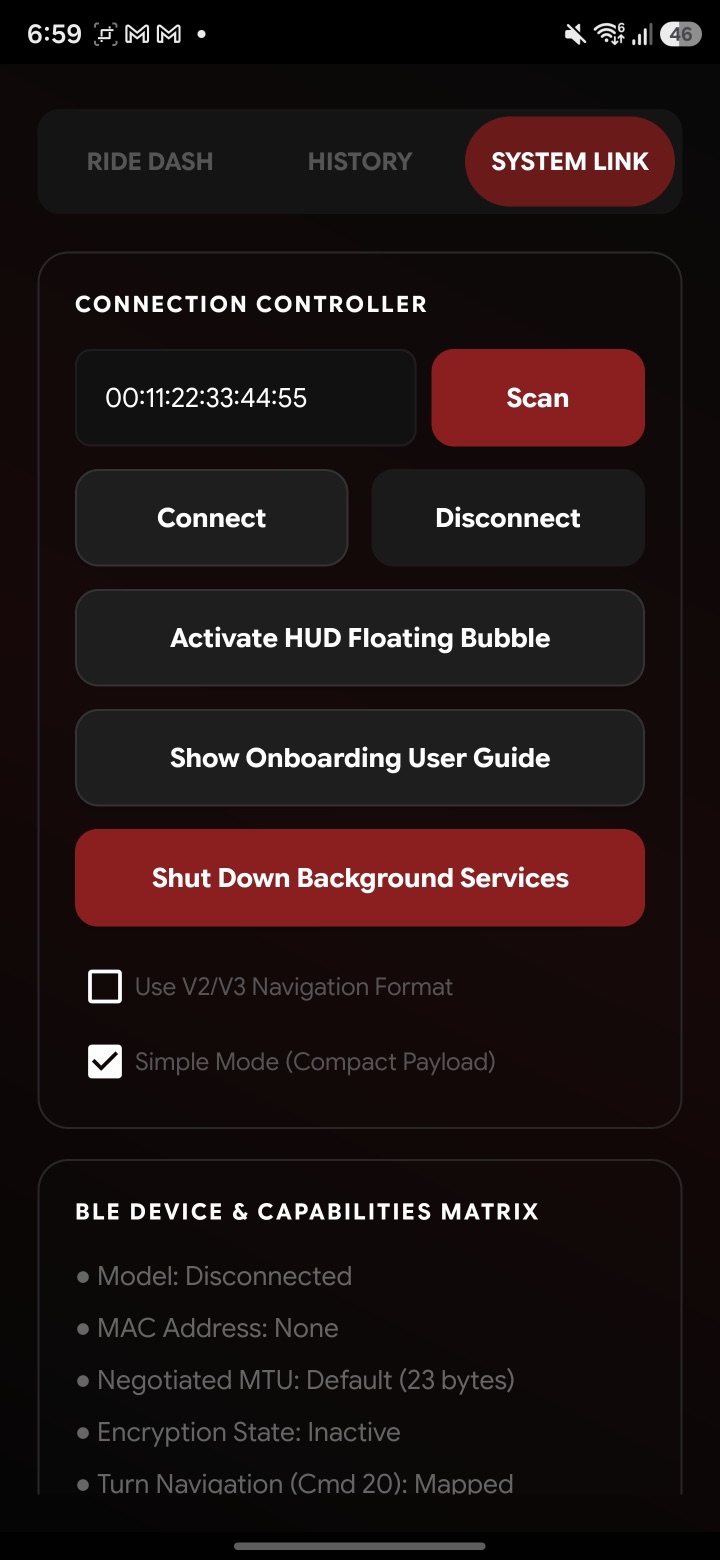
    Turns, curves, highway exits, lane guidance and roundabout exit numbers, in English or Indonesian.

  • Floating HUD

    A dark glass card with distance, road name and the next instruction, on top of Google Maps or any app.

  • Ride recorder

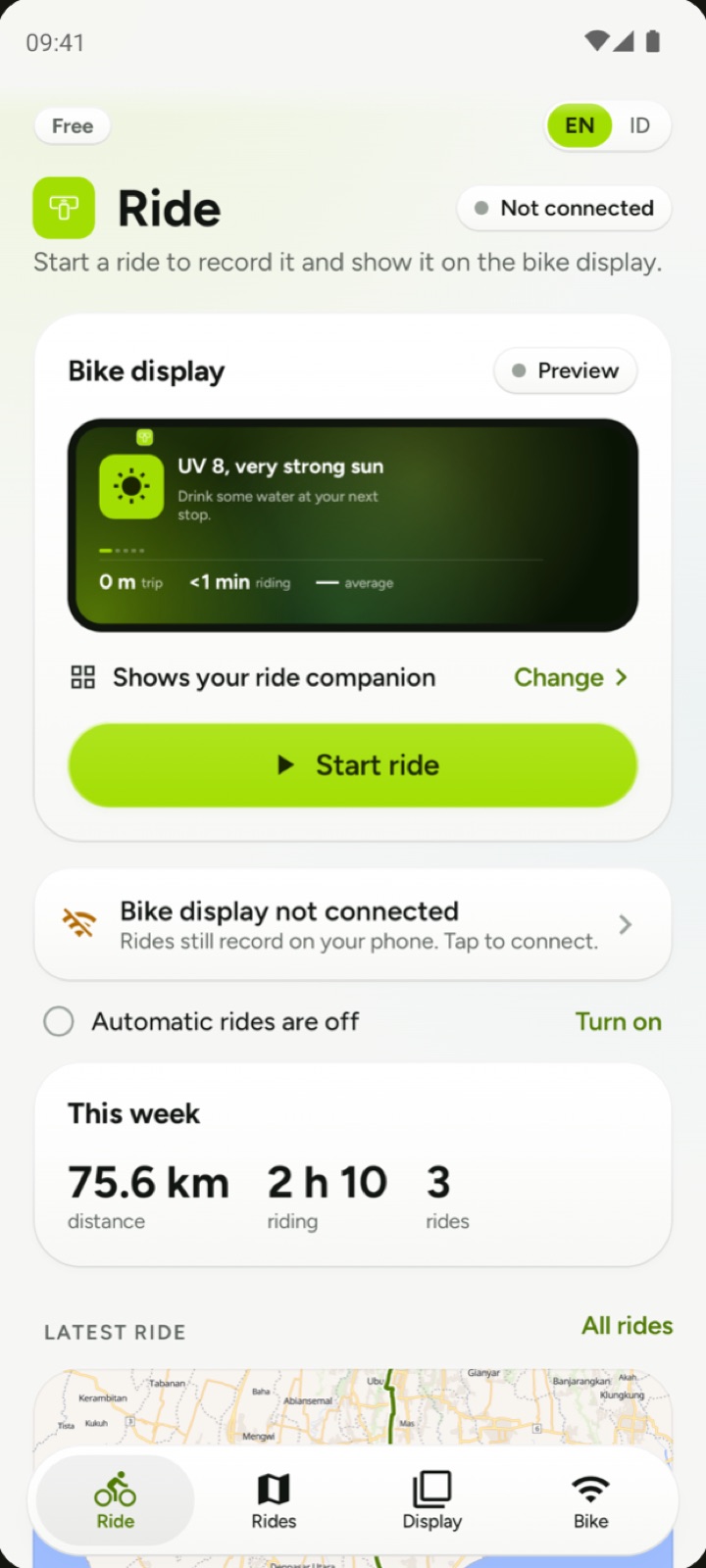
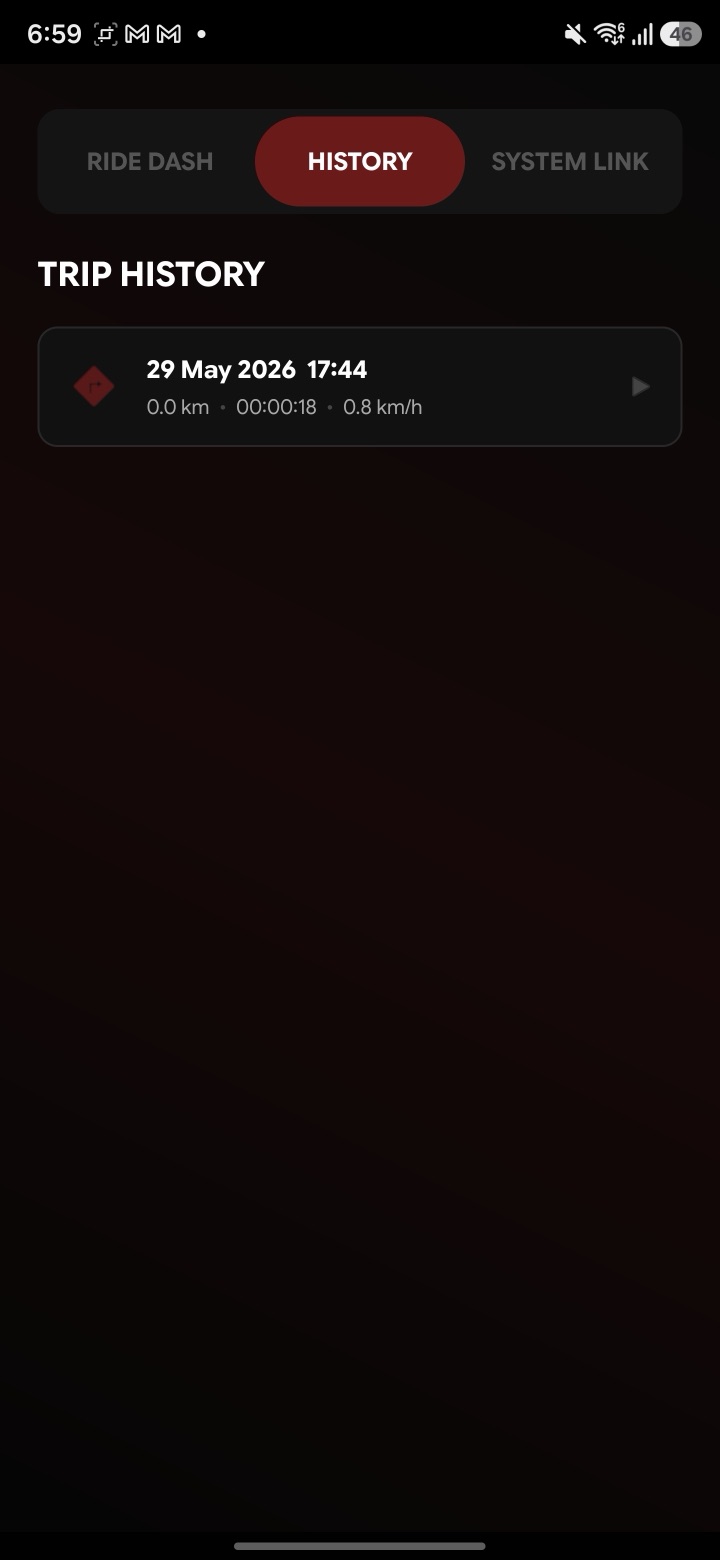
    Trip duration, GPS speed, distance, average and max speed, altitude and peak G-force.

  • Trip history and cards

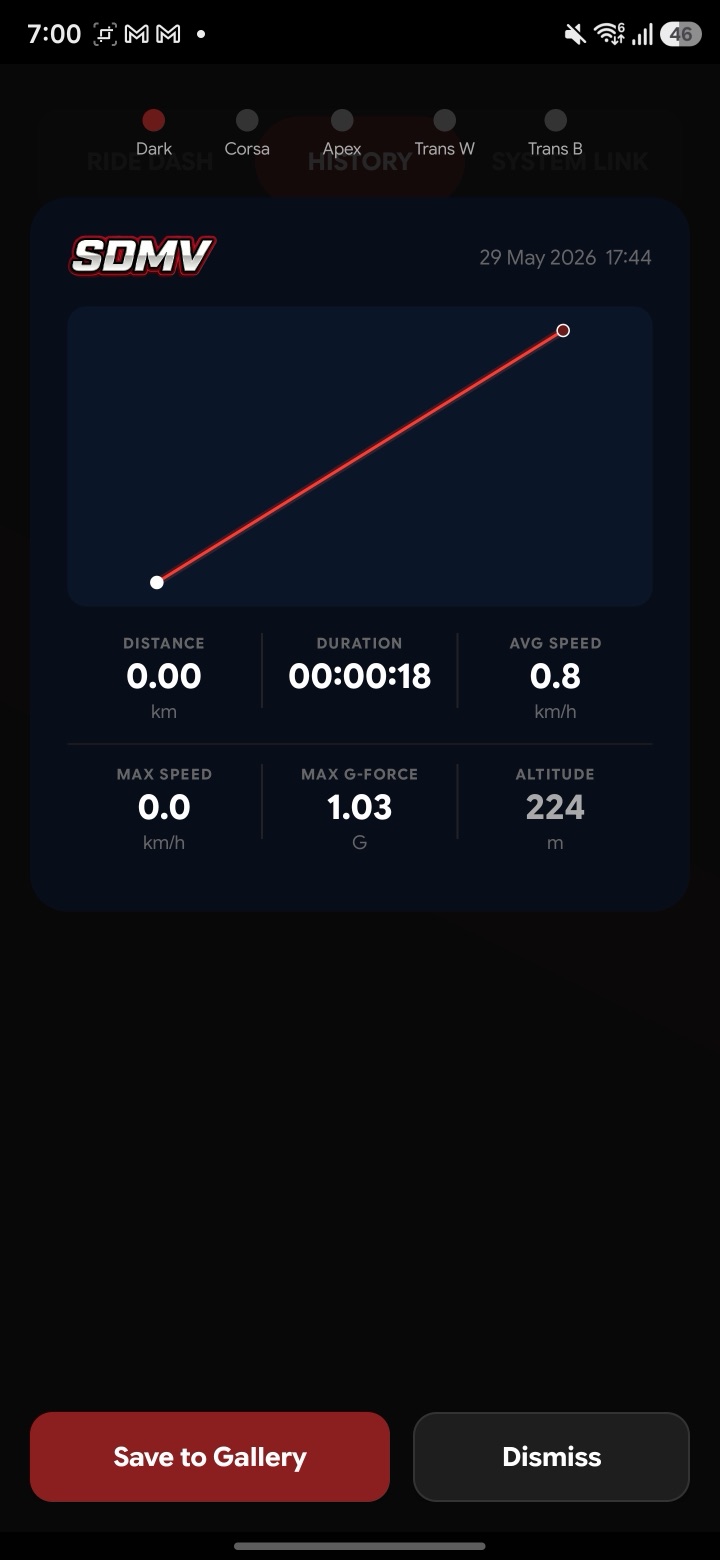
    Every ride is saved to your history and can be shared as a card with its route and stats.

Ride Dash screen with speedometer, GPS ride recorder and motion telemetry Trip history screen listing a recorded ride System Link screen with Bluetooth connection controls Shareable trip card with route, distance, duration and speed stats
AutoMaxi logo WayXAuto app icon

AutoMaxi and WayXAuto

Android Auto, on the dash you already have.

Two free, ad-free apps that send Android Auto from your phone to your motorcycle's built-in screen. Set up once, then connect and ride.

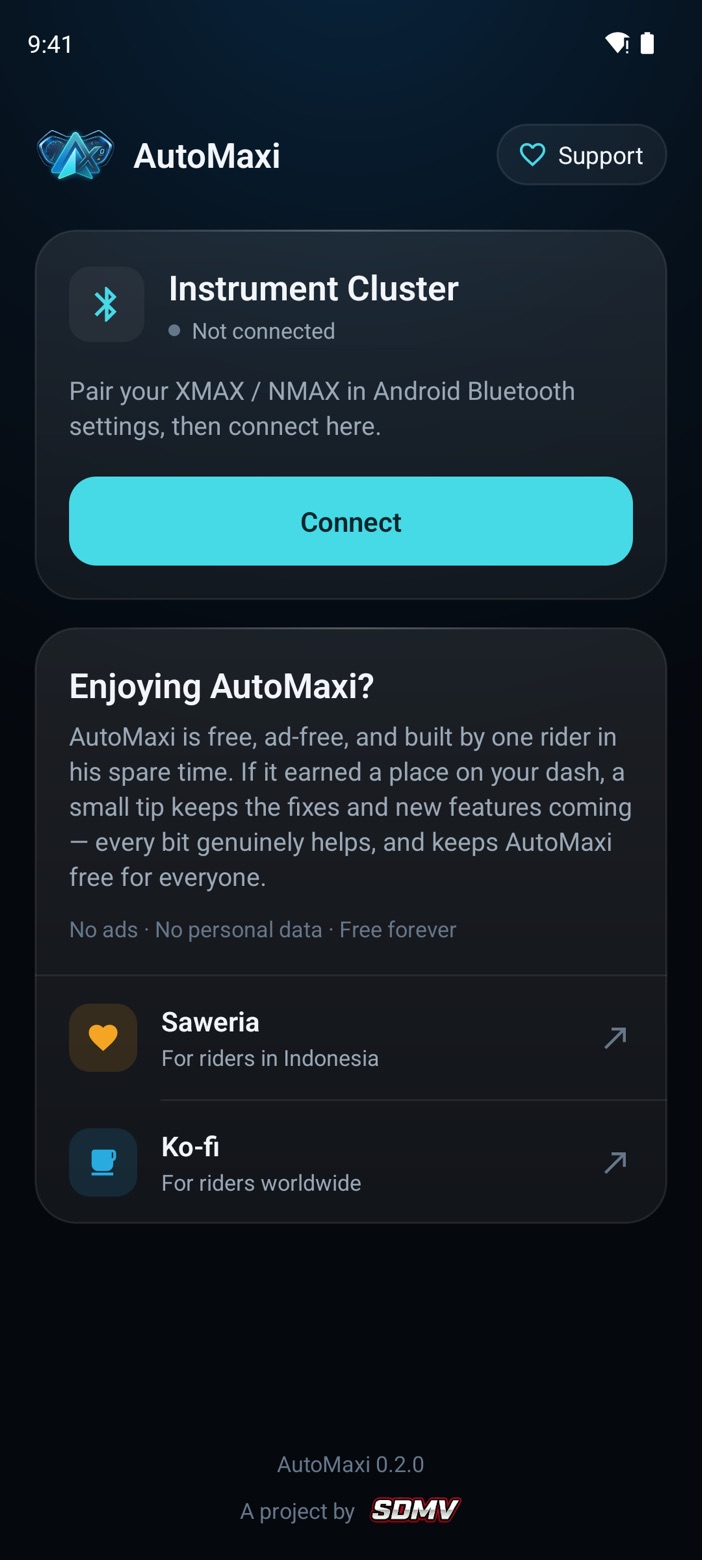
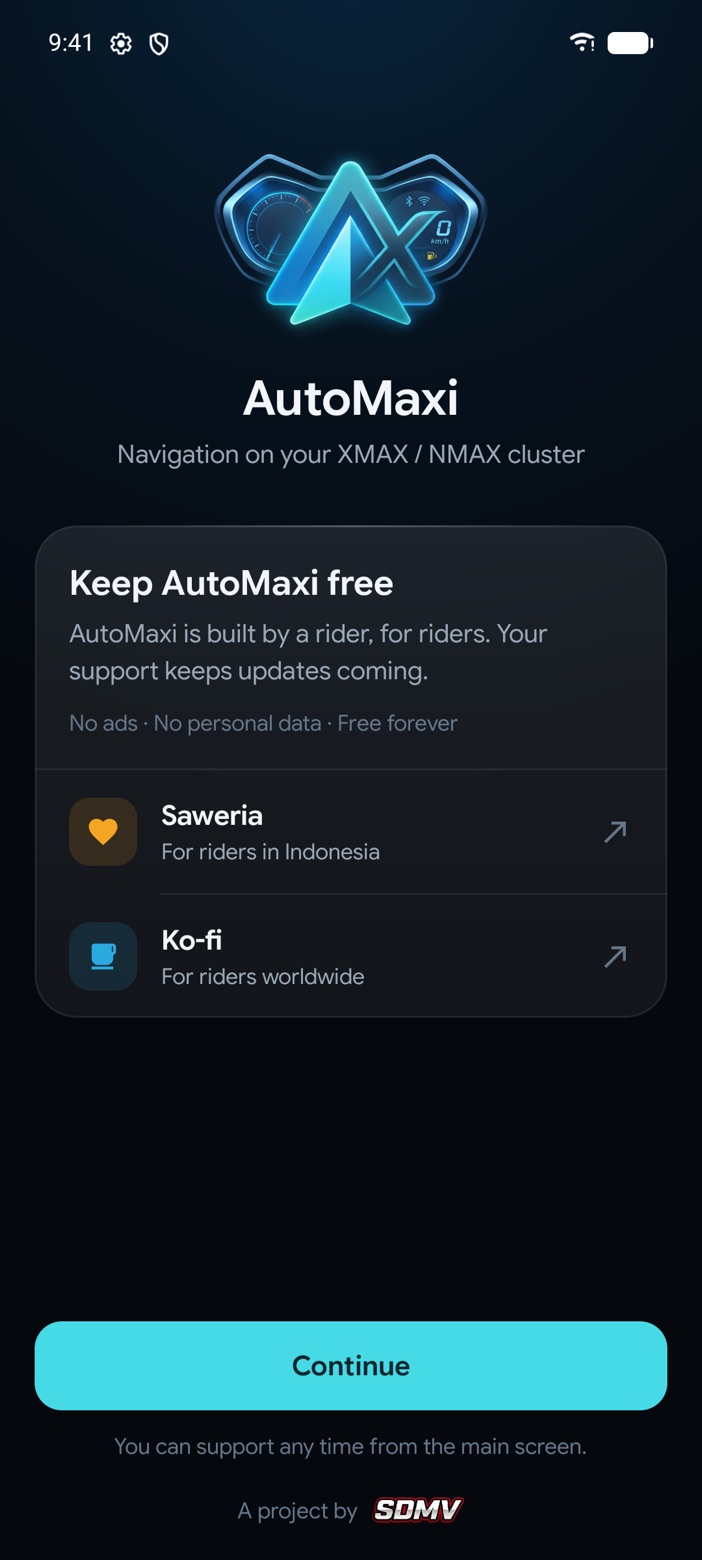
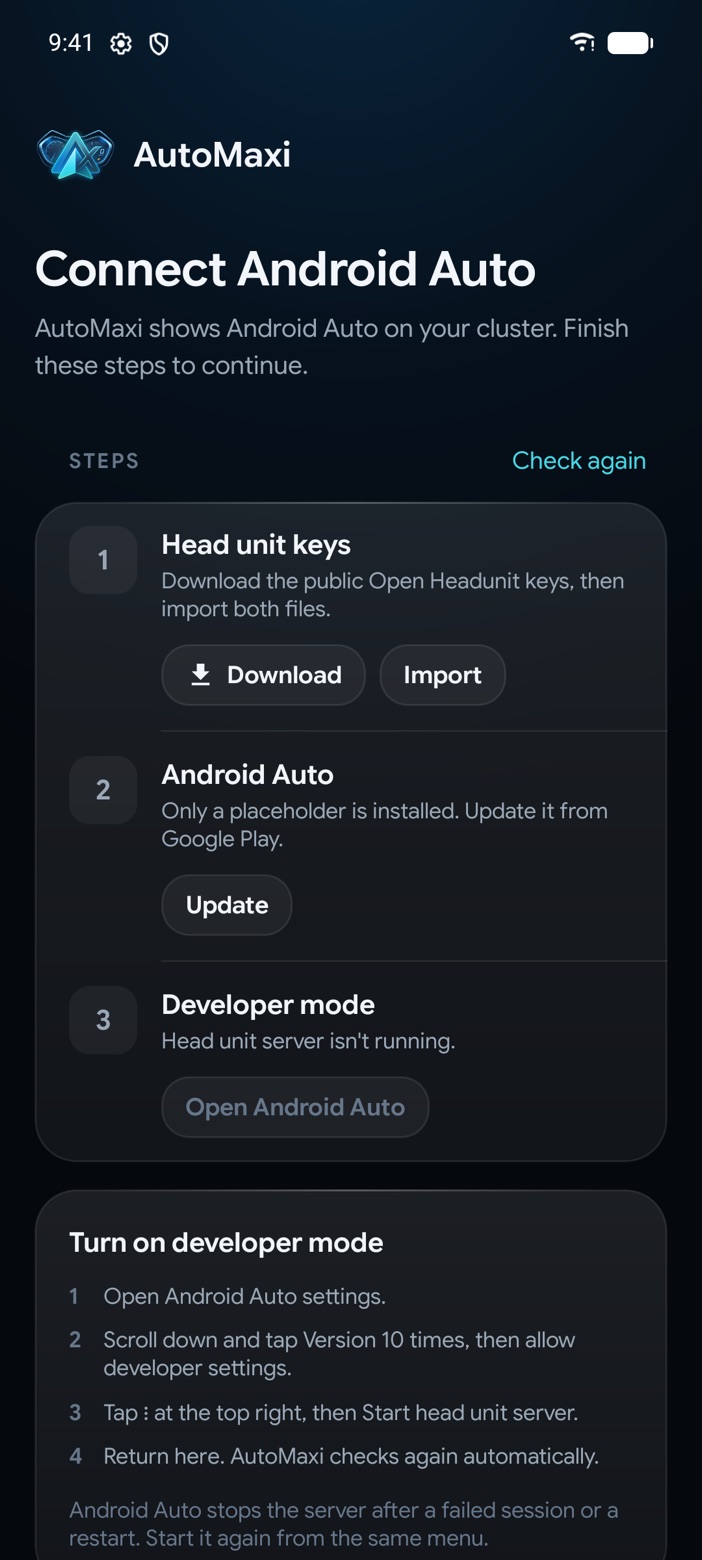
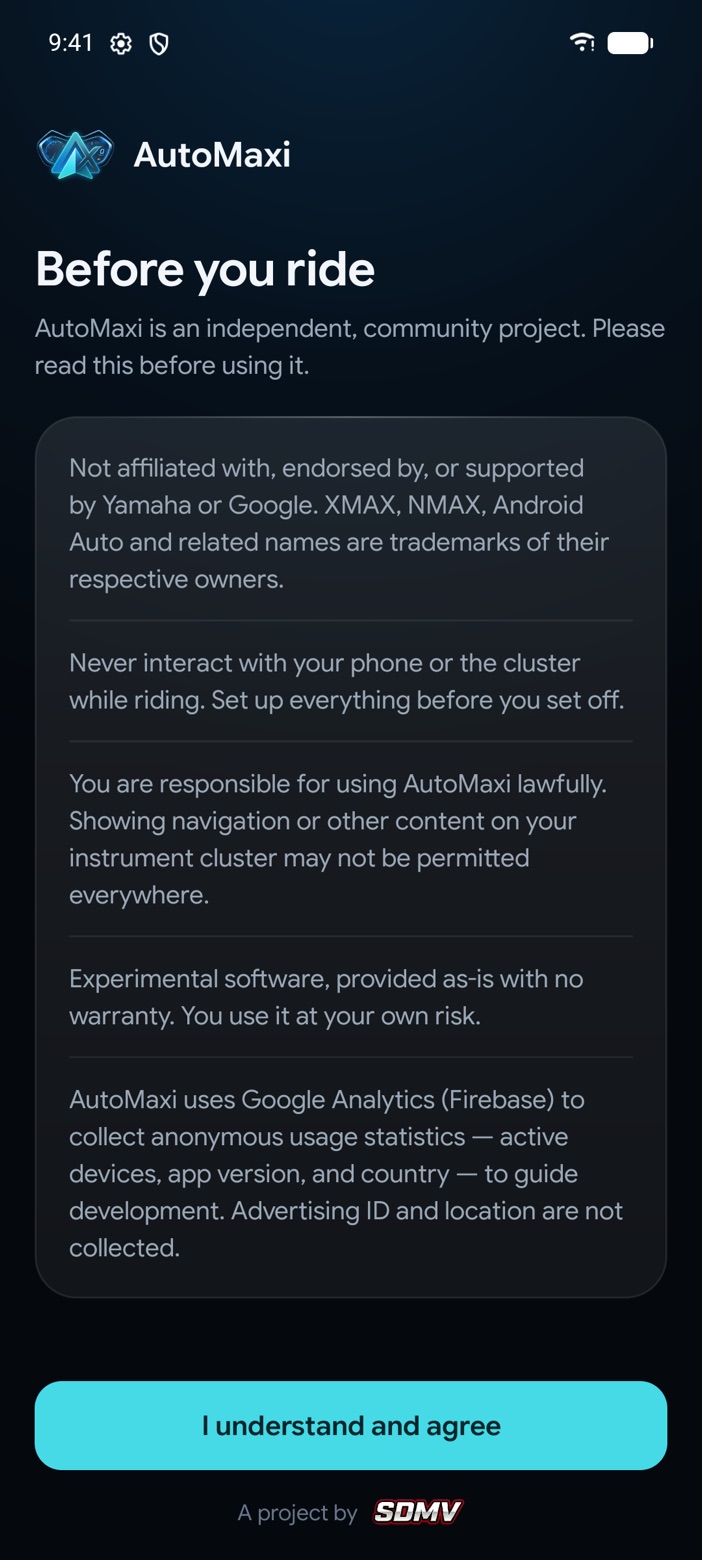
AutoMaxi main screen with the Instrument Cluster card, its Bluetooth status and the Connect button AutoMaxi welcome screen with Saweria and Ko-fi support options AutoMaxi guided setup: head unit keys, Android Auto and developer mode AutoMaxi Before you ride screen
AutoMaxi 0.2.0
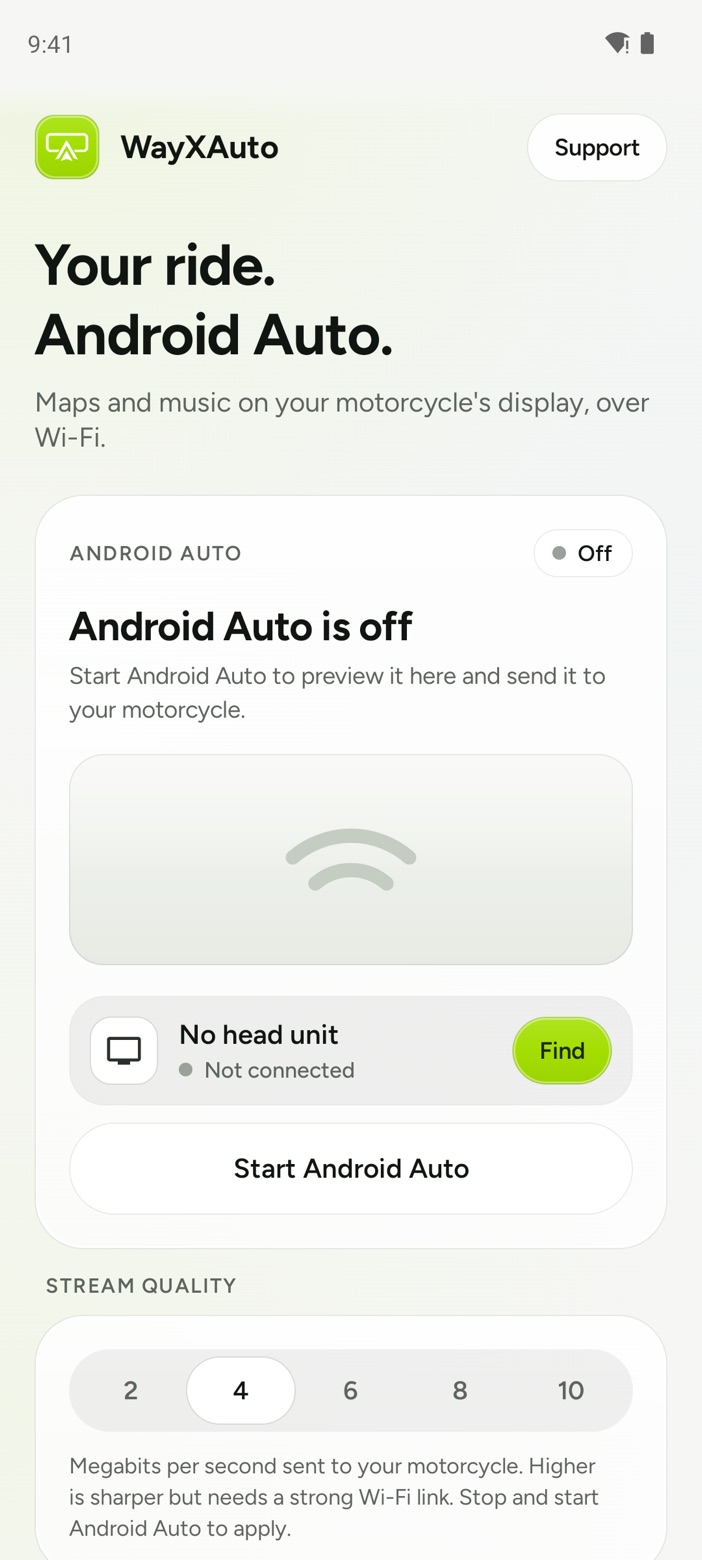
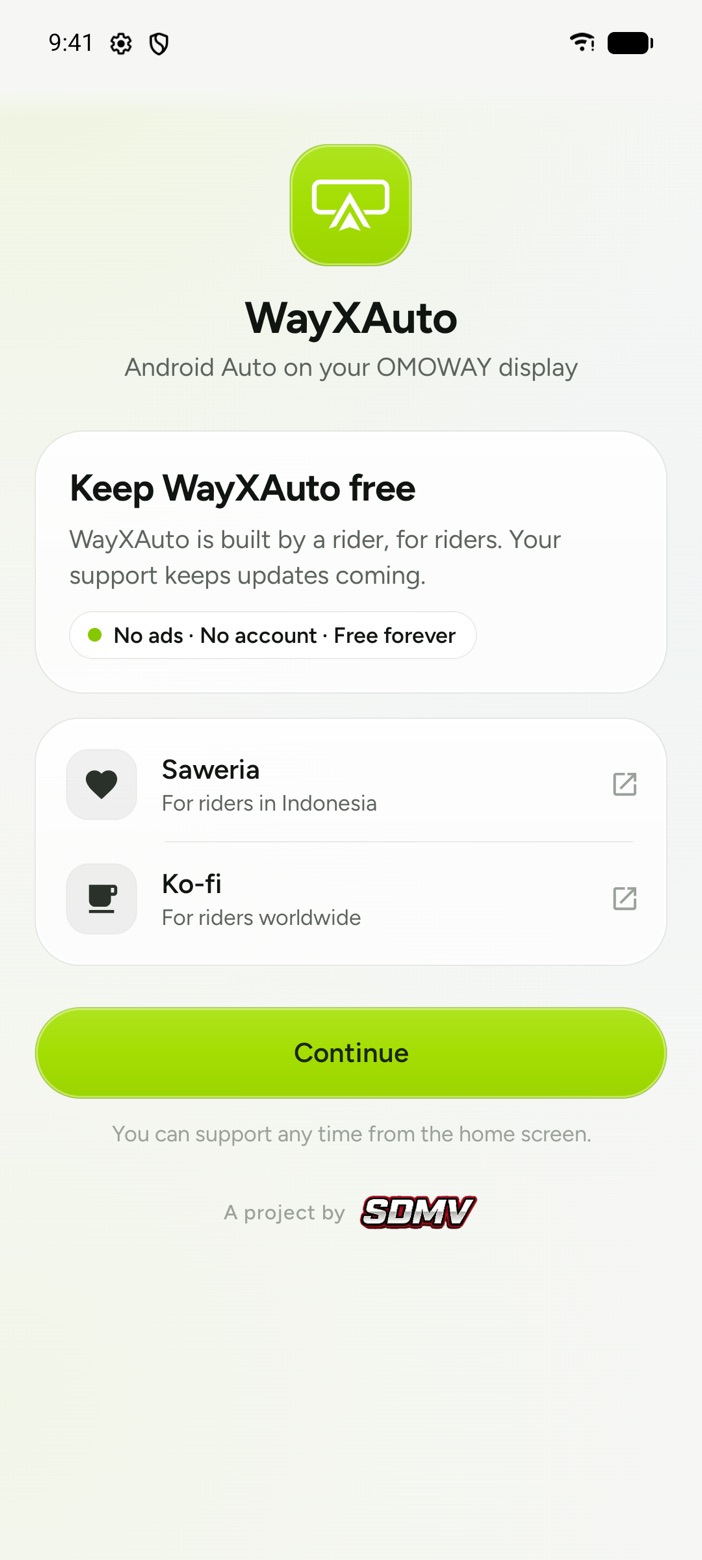
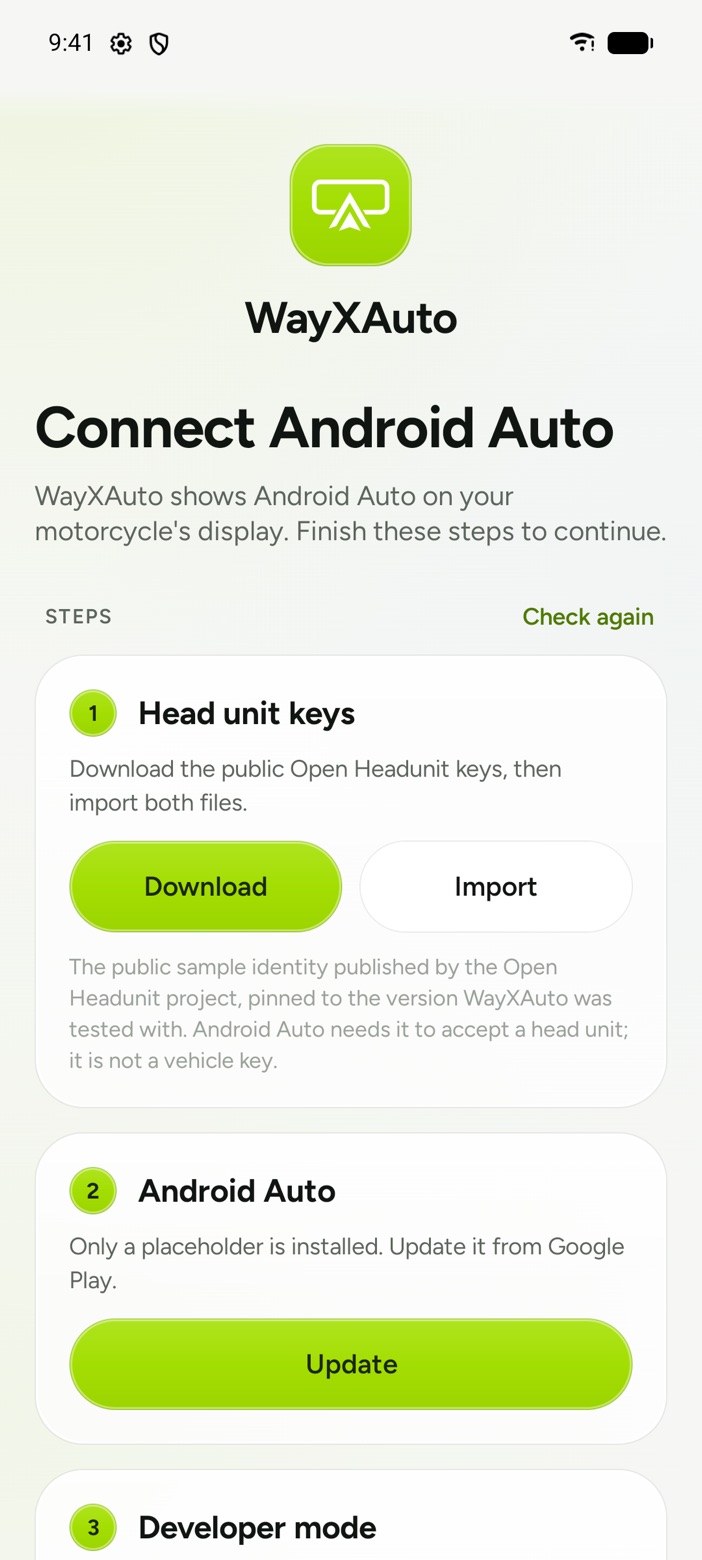
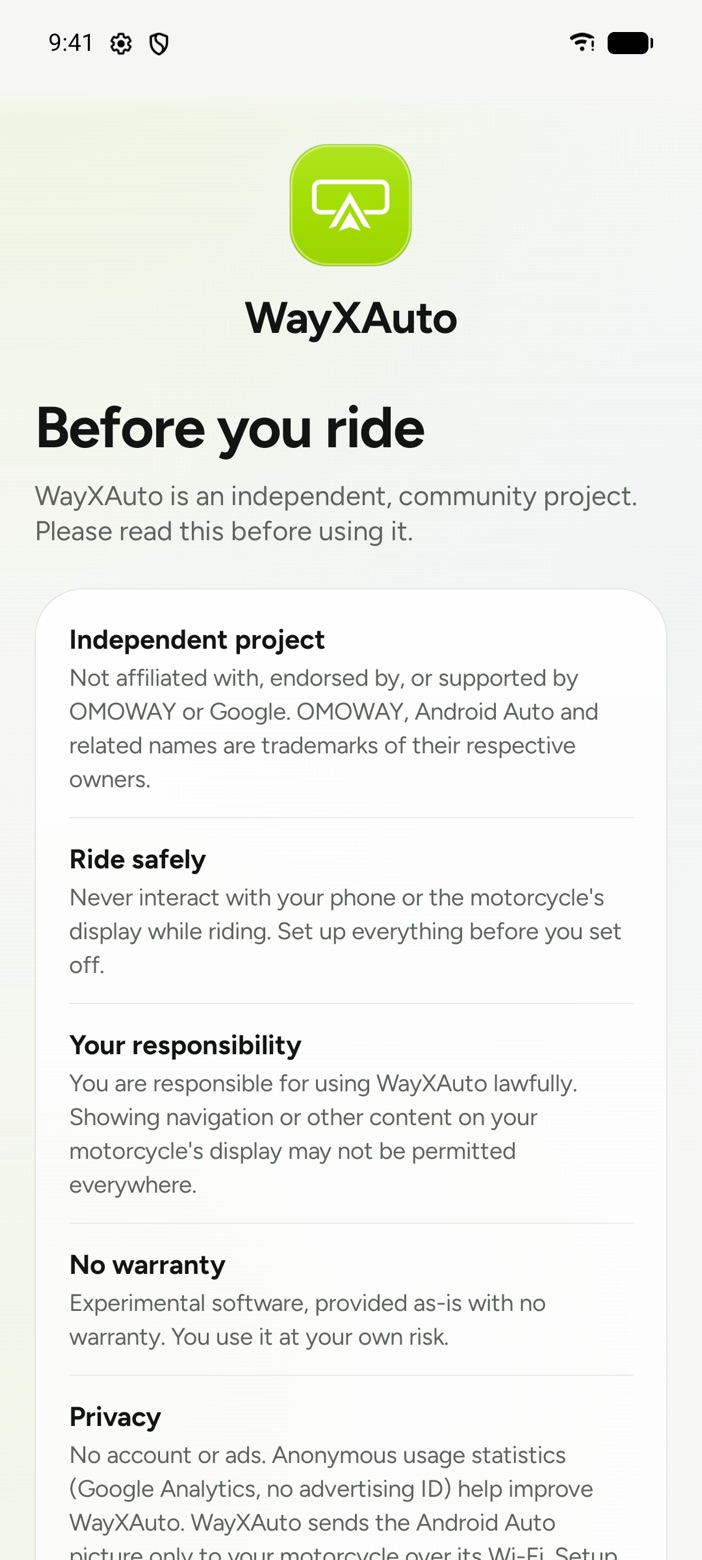
WayXAuto main screen with the Android Auto card, live preview area, Find head unit and Start Android Auto WayXAuto welcome screen with Saweria and Ko-fi support options WayXAuto guided setup with head unit keys and Android Auto steps WayXAuto Before you ride screen
WayXAuto 0.2.3

AutoMaxi

For Yamaha XMAX and NMAX

Streams the Android Auto map to the XMAX or NMAX instrument cluster and keeps it running while you ride.

  • One-button connect

    Tap Connect once. AutoMaxi finds your cluster, pairs and streams until you stop it.

  • Runs in the background

    Keeps streaming with the phone screen off, so your map stays live for the whole ride.

  • Built for the cluster

    The map fits the XMAX and NMAX dash, not a phone screen squeezed onto it.

Set up in three steps

  1. Install AutoMaxi. Download the APK and allow the install from your browser or files app.
  2. Import the keys and enable Android Auto developer mode. The app links you to the free public Open Headunit keys and shows you how.
  3. Pair your cluster, then tap Connect. Pair the XMAX or NMAX in Bluetooth settings first.
WayXAuto

For OMOWAY displays

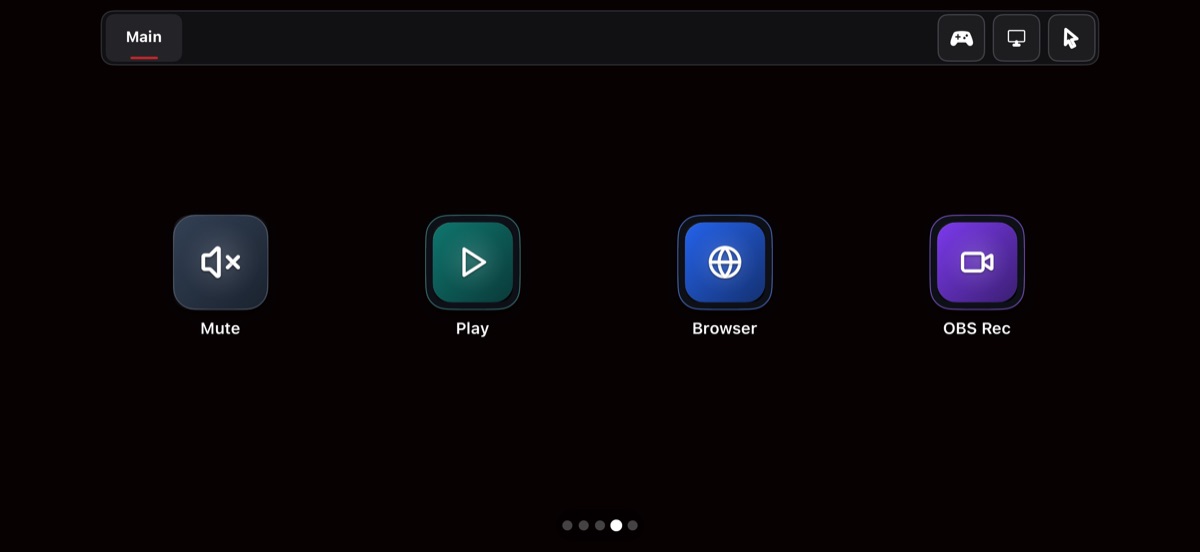
Runs Android Auto on your phone and shows it on the OMOWAY navigation screen over Wi-Fi, with maps and music controlled from your phone.

  • Wi-Fi, no pairing fuss

    Turn on your motorcycle, tap Find and choose its display. No account and no Bluetooth key.

  • Live preview on your phone

    See exactly what your dash shows before you set off.

  • Fits the display

    Laid out for the wide OMOWAY screen, clear of its clock and overlays.

Set up in three steps

  1. Install WayXAuto. Download the APK and allow the install from your browser or files app.
  2. Import the keys and turn on Android Auto developer mode. WayXAuto downloads the free public Open Headunit keys for you.
  3. Turn on your motorcycle and pick its display. Tap Find, choose your bike and Android Auto appears on the dash.

AutoMaxi and WayXAuto are experimental, independent projects, not affiliated with Yamaha, OMOWAY or Google. Set everything up before you ride, and never use your phone or dash controls while riding.

WingDeck app icon

WingDeck

Your desk, at your fingertips.

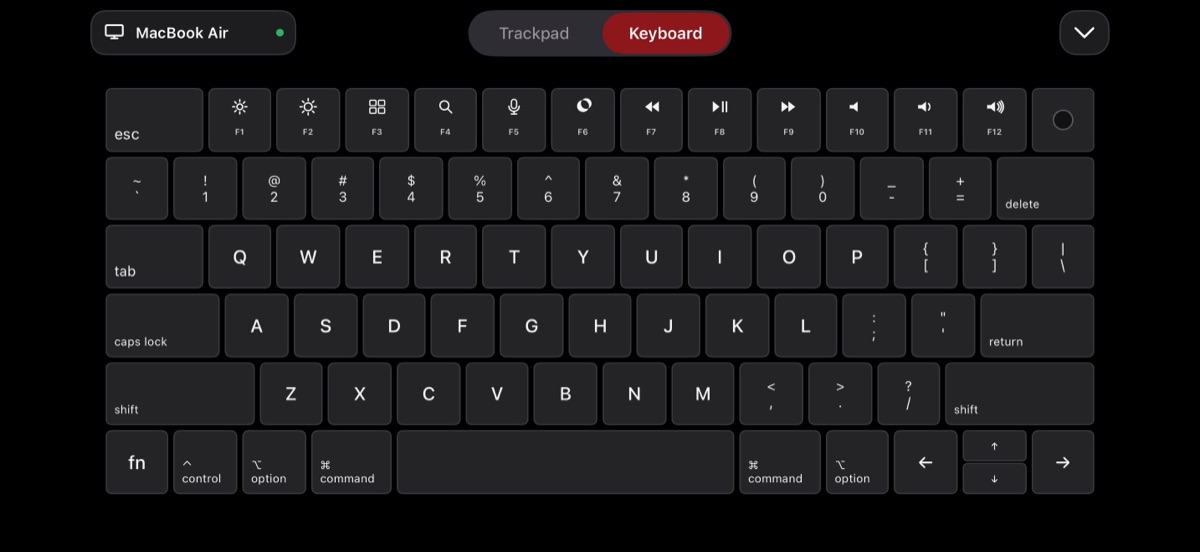
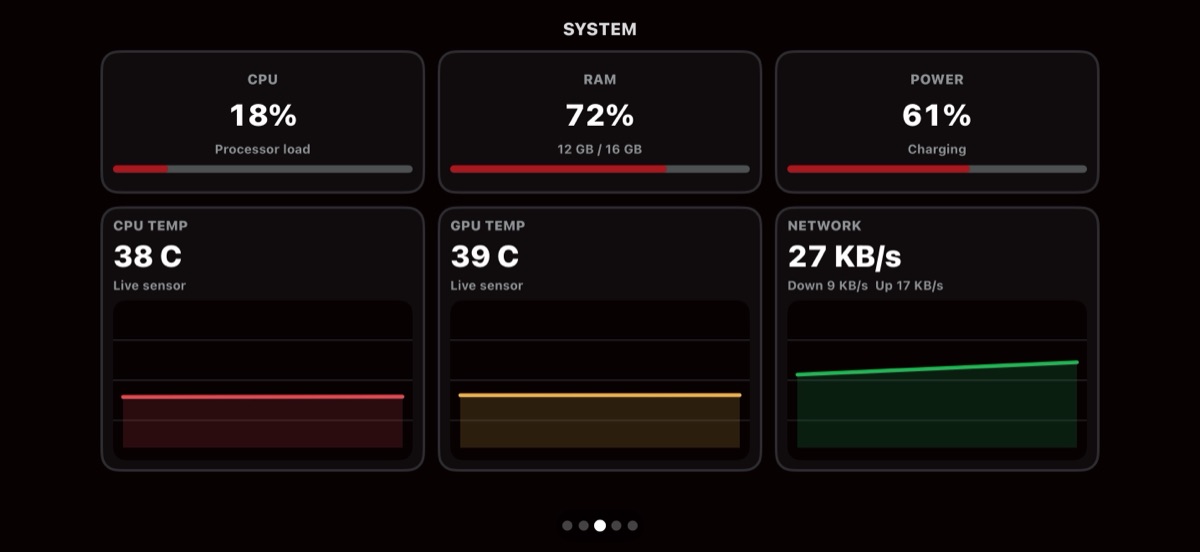
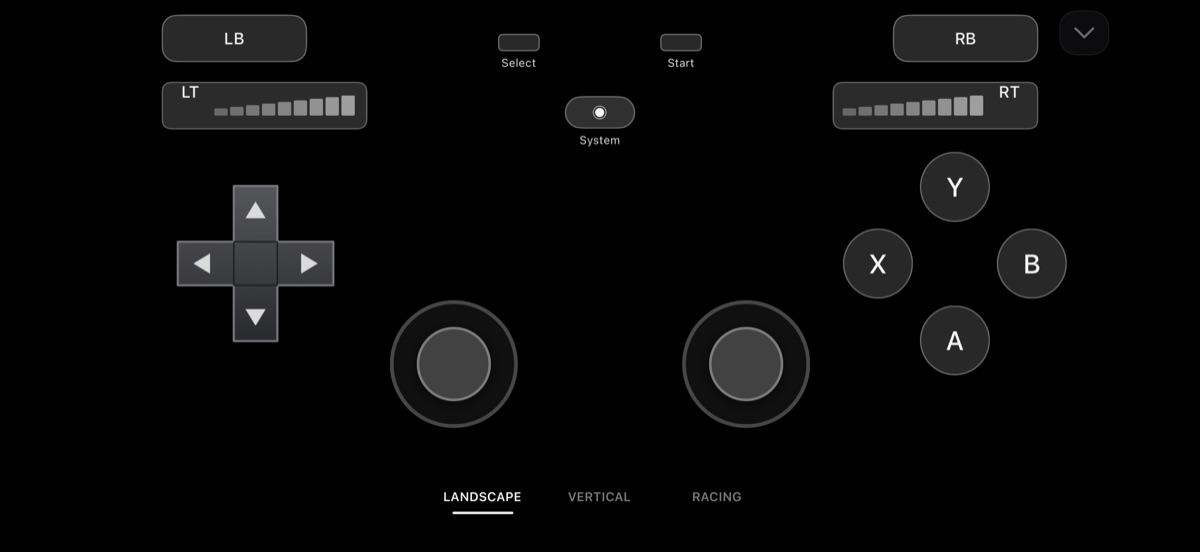
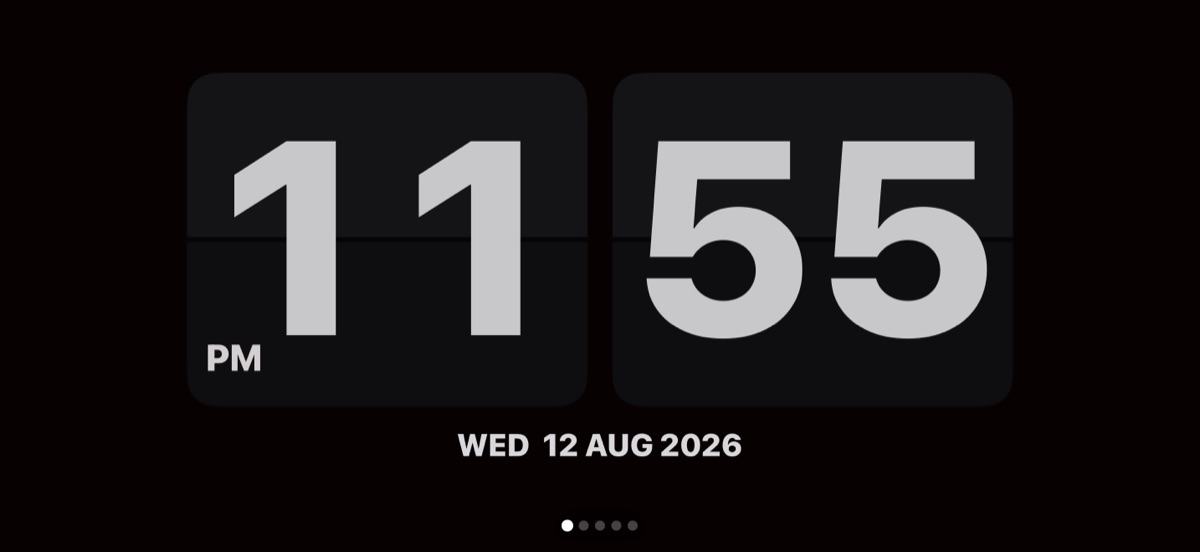
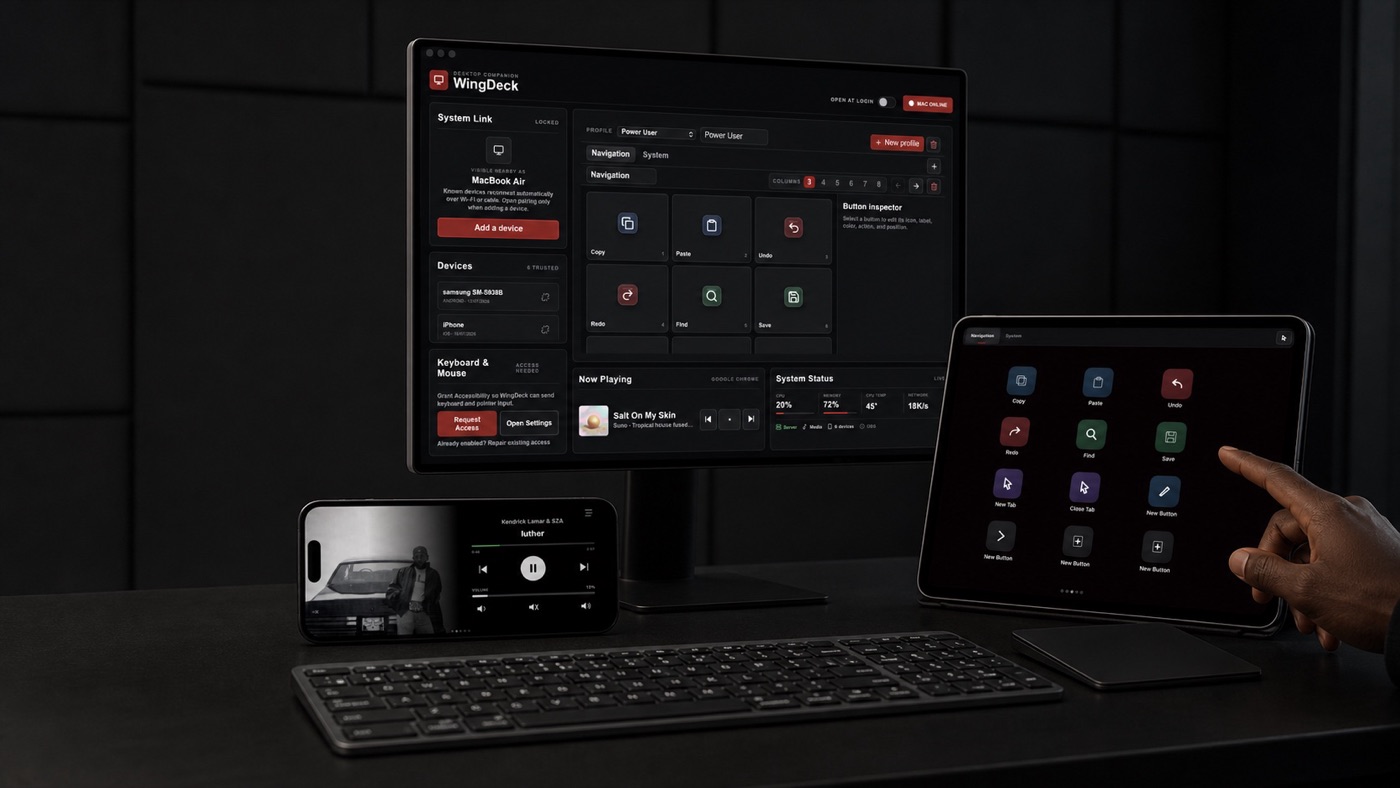
WingDeck turns a phone, tablet or watch into a deck, trackpad, second screen or gamepad. Pair it with the free desktop companion for Mac, Windows or Linux.

Android, iOS, Wear OS and watchOS. Desktop companion for macOS, Windows and Linux.

A desk with a monitor showing the WingDeck desktop app and a tablet running the WingDeck deck

Local-first

Control traffic stays between your devices, protected by authenticated pairing.

Wi-Fi or USB

Connect over your local network or a cable, and switch between paired computers.

No account needed

Install, pair and go. Optional analytics stay off until you turn them on.

Fake GPS - Inertia Joystick app icon

Fake GPS - Inertia Joystick

Mock locations that move like a real vehicle.

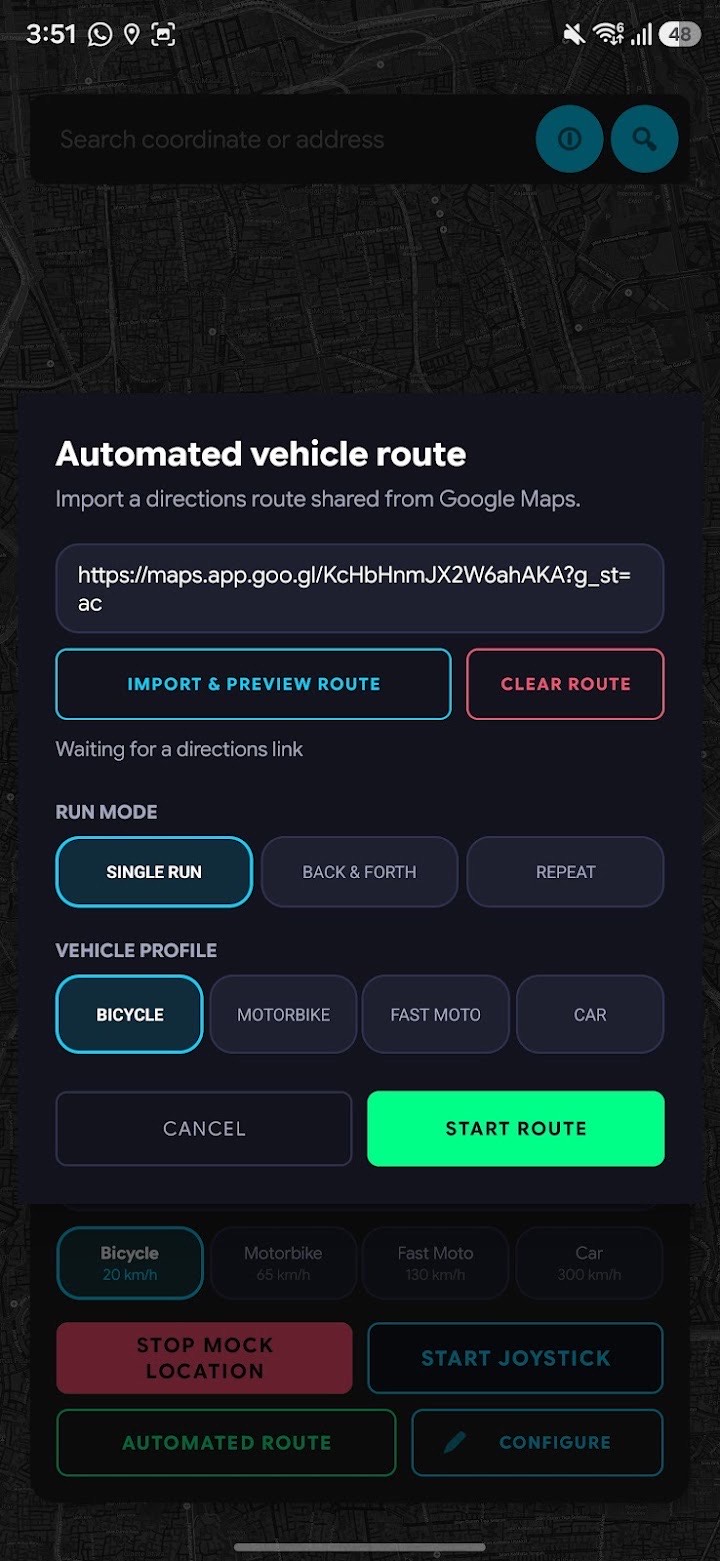
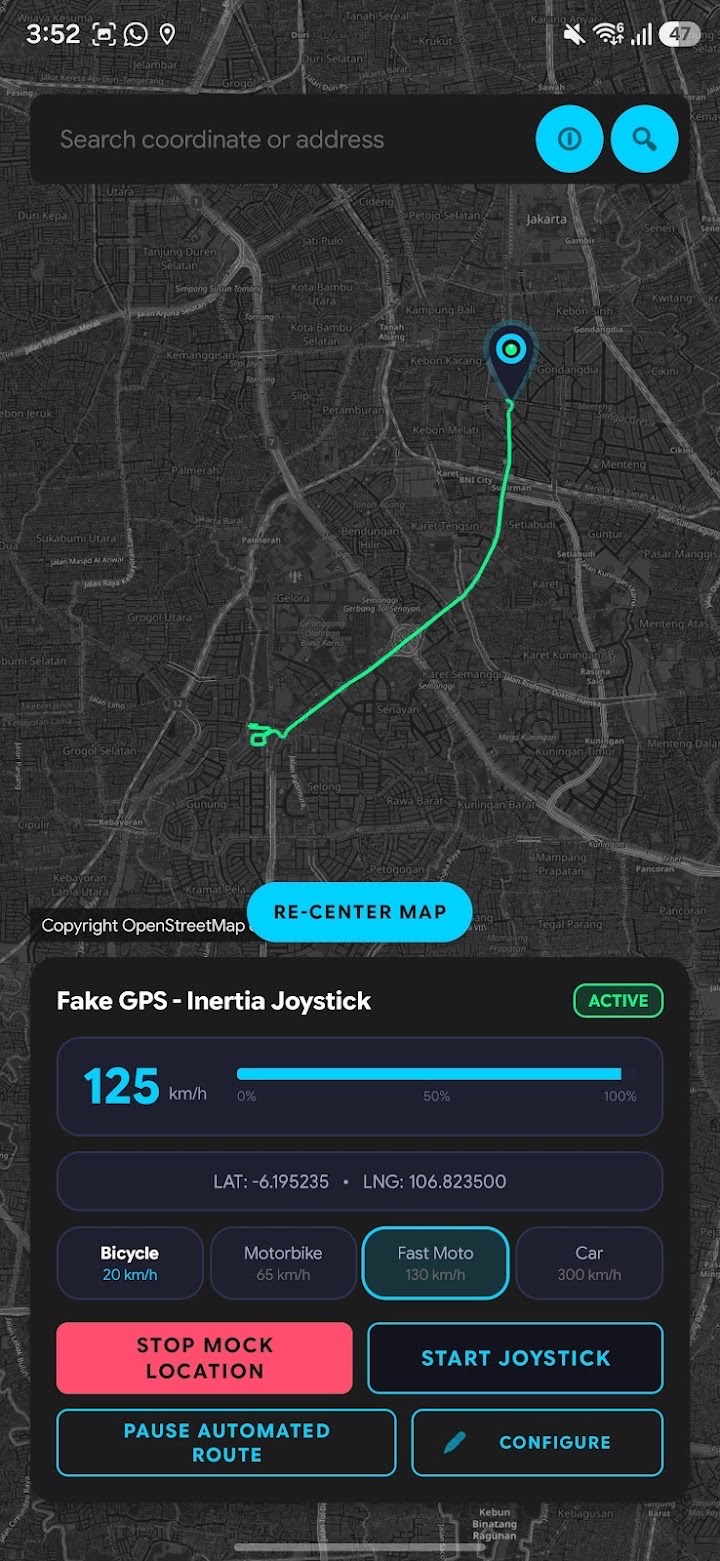
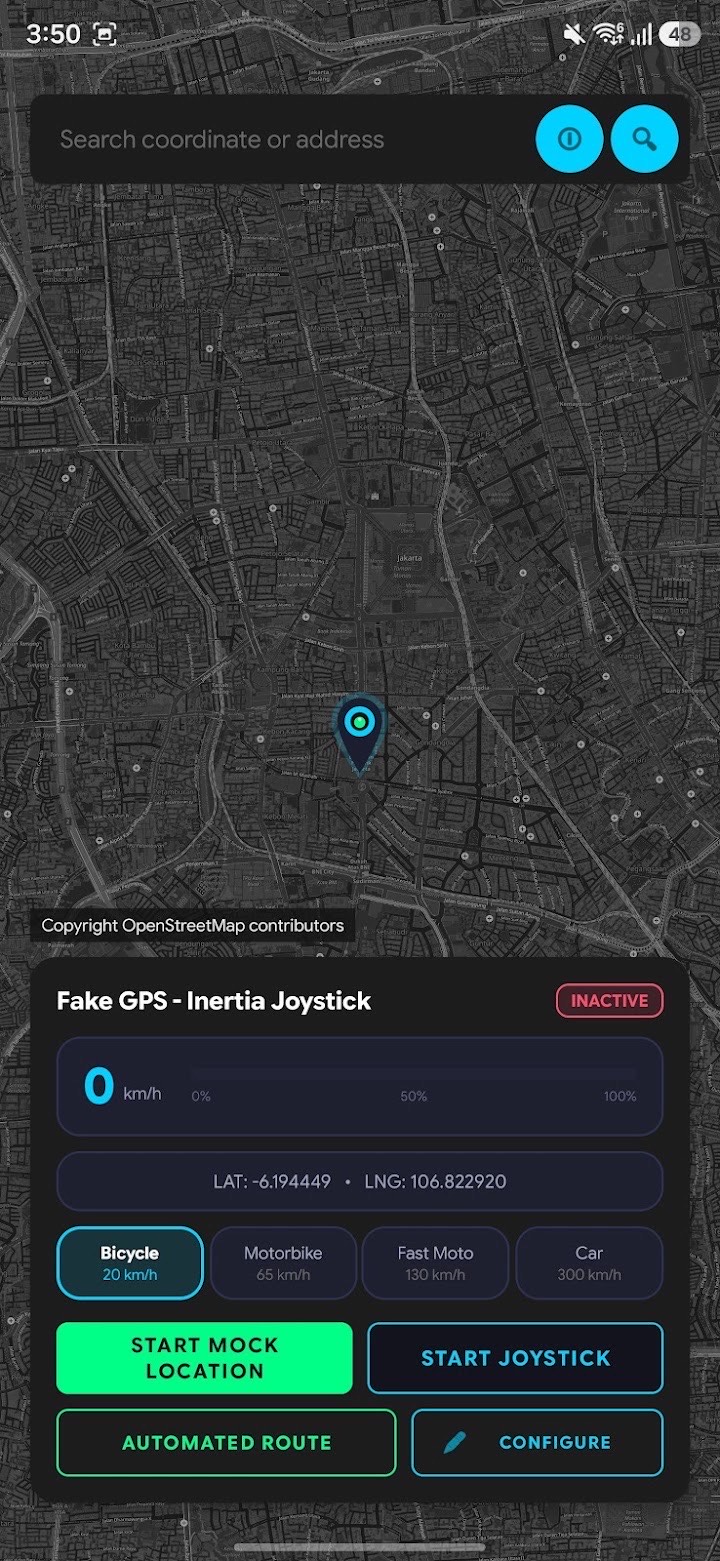
Most location spoofers teleport or crawl at one robotic speed. This joystick runs on a physics engine, so it speeds up, glides and brakes naturally.

Android. No root needed.

Automated vehicle route settings Map with a simulated route being driven Map with the inertia joystick controls
  • Inertia joystick

    Real acceleration, momentum and braking for natural movement.

  • Your own speed profile

    Tune the physics for walking, cycling, riding or driving.

  • Floating 360° joystick

    Works over your other apps, with a small map monitor.

  • Bookmarks

    Set a start point in one tap and save the places you use most.

Set it up

  1. In Settings, open About phone and tap Build number seven times.
  2. Open Developer options and find Select mock location app.
  3. Choose Fake GPS - Inertia Joystick.
  4. Open the app, pick a spot on the map and start the joystick.
SDMV EngineSound app icon

SDMV EngineSound

Give your electric bike an engine.

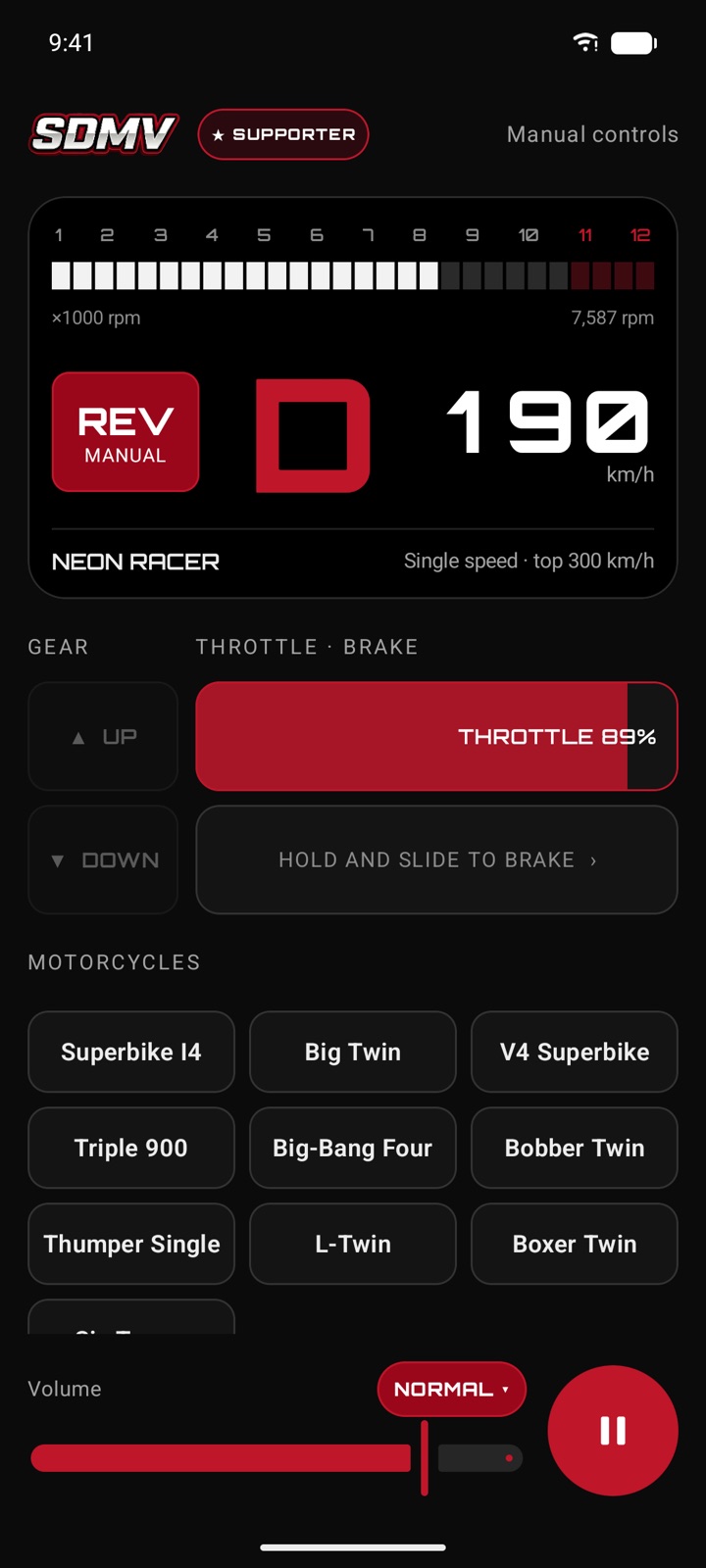
EngineSound synthesizes a combustion engine live on your phone. The revs follow your GPS speed through a virtual gearbox, so it pulls through the gears as you ride away and settles when you cruise. There are no sound recordings in the app: every note is made as you ride.

Android and iOS. Coming soon.

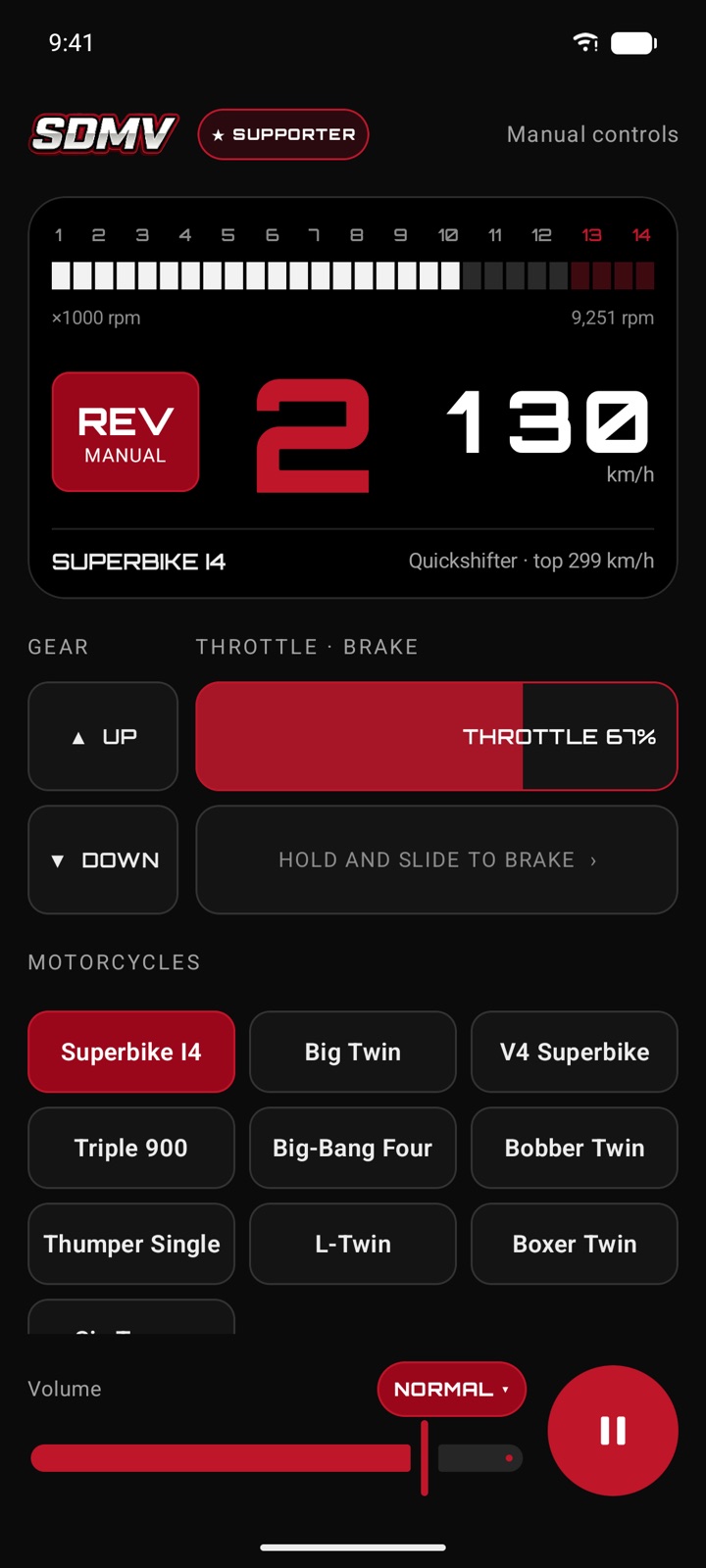
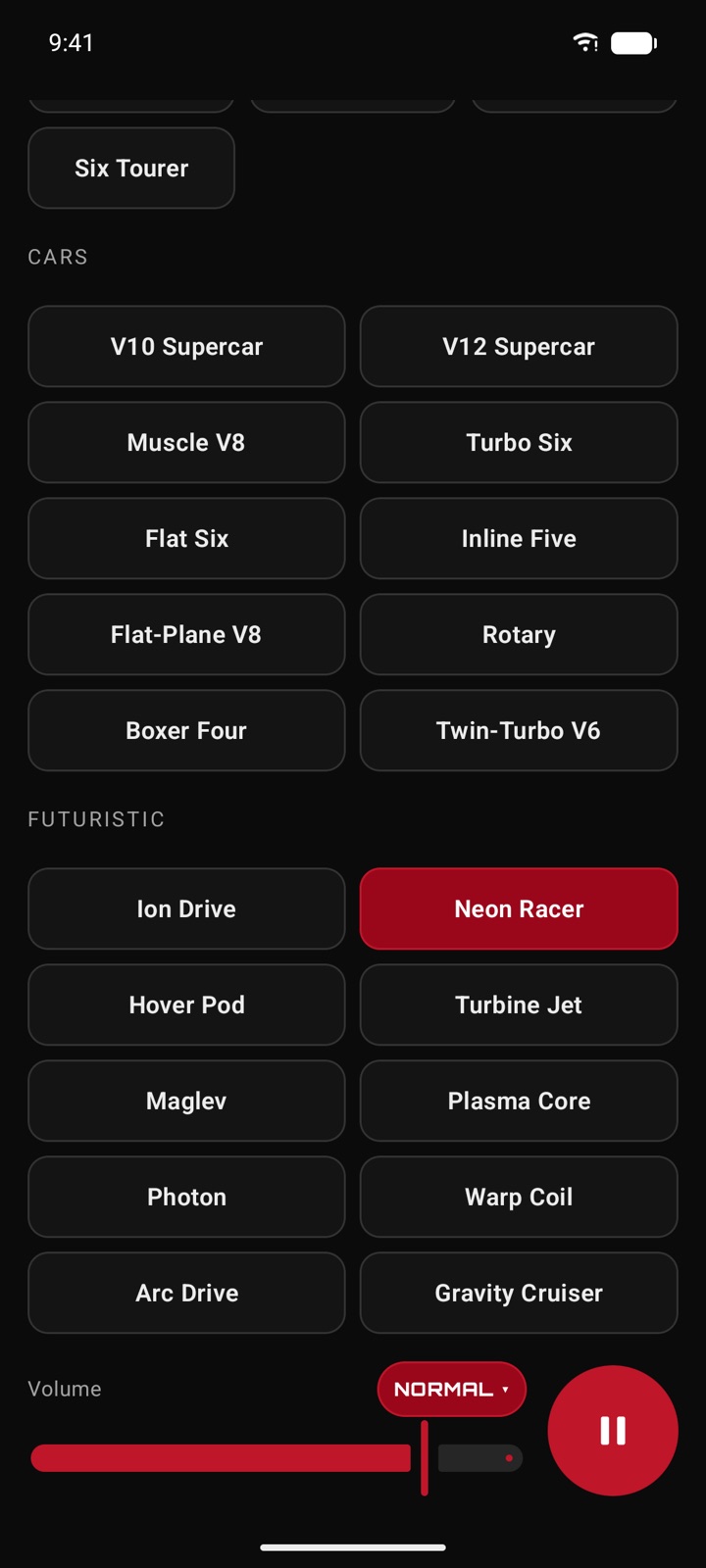
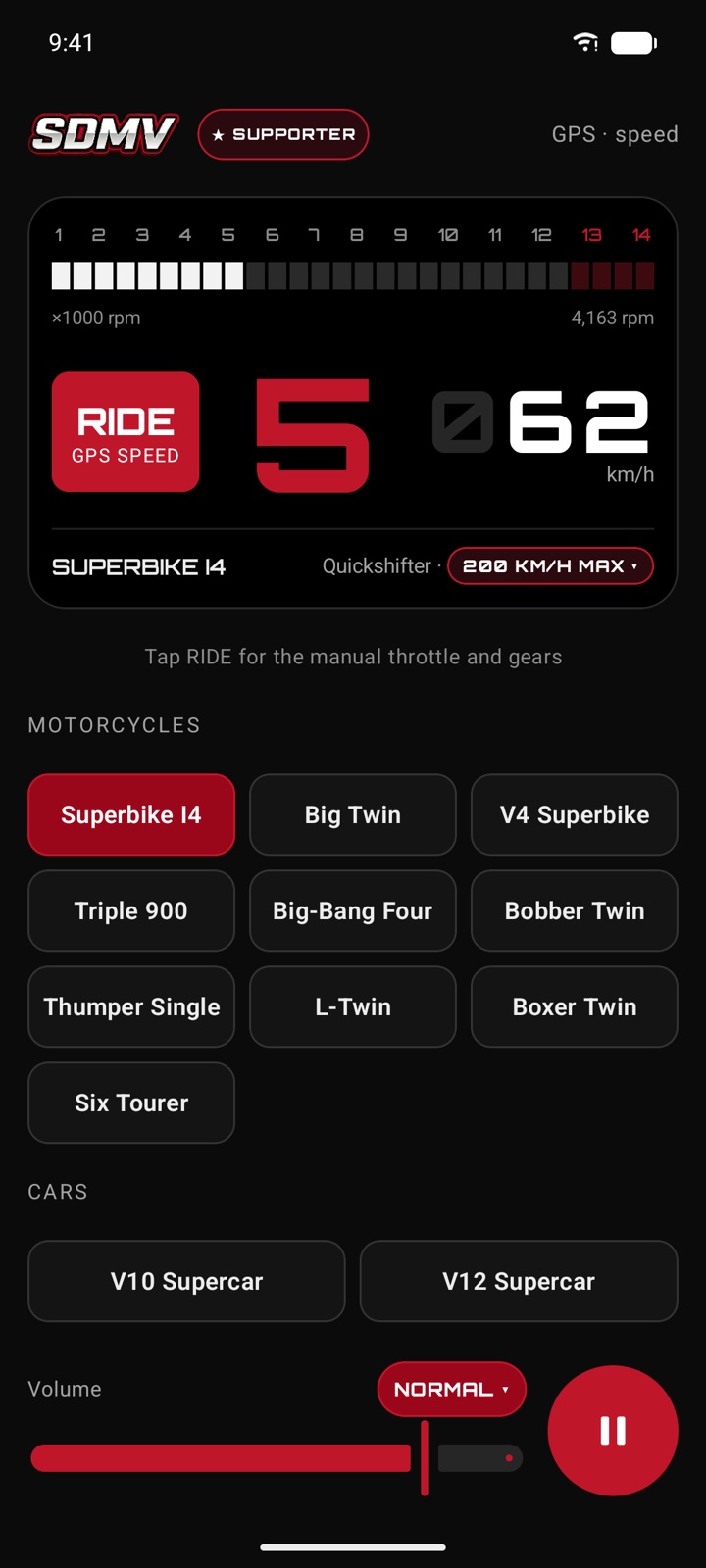
Ride mode dash: Superbike I4 in fifth gear at 62 km/h from GPS speed Rev mode with the throttle slider held at 67 percent in second gear Engine list with cars and futuristic electric drives Neon Racer electric drive in single-speed D at 190 km/h
  • Ride mode

    Your GPS speed drives an automatic gearbox that changes up as you pull away and drops the revs when you hold a steady speed.

  • Rev mode

    Throttle and brake sliders and shift buttons, with each vehicle's real top speed and gearing.

  • Thirty engines

    Ten motorcycles, ten cars and ten futuristic electric drives, from a thumper single to a V12.

  • Plays like music

    Keeps going in the background with the screen off. Control it from the lock screen, the notification or your headset.

Keep the apps free.

AutoMaxi and WayXAuto are free and ad-free, built by one rider in spare hours. If an SDMV app earned a place on your bike or your desk, a small tip keeps fixes and new features coming.

Privacy Policy

SDMV DashConnect. Last Updated:

At SDMV, we are fully committed to protecting your security. This Privacy Policy details the processes, permissions, and data safety practices of the SDMV mobile application.

1. Core App Permissions

Because SDMV acts as a local telemetry gauge, specific permissions are required strictly to perform on-device updates. None of this data is collected, stored, or sent to remote servers:

  • Location Information (GPS): Necessary to calculate vehicle speeds, duration logs, and drag timer metrics.
  • Foreground Services: Used to maintain calculations if the phone is placed in a pocket during active riding.

2. Advertisements (Google AdMob)

This app displays ads managed by Google AdMob. AdMob uses unique advertising identifiers (such as the device's Google Advertising ID) to deliver relevant promotions. No identifiable personal profiles are compiled.

3. Information Storage and Deletion

Because SDMV does not use remote databases to store your riding records, all configurations and data logs can be instantly wiped by selecting "Clear Data" under Android operating system settings, or by simply uninstalling the app.

For questions regarding the application, please contact support directly at: support@sdmv.site.